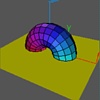
 Several Objects in One Movie:
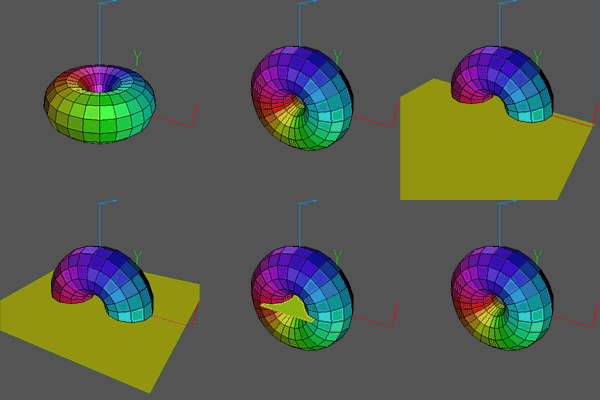
In this movie, after loading a torus initializing its view and rotating it,
a second object (a square) is loaded into Geomview. It's color is set and
it is moved off-screen by a Transform command. Then it is
moved into place by a Sequence command so that it appears to
fly in from the left. Finally, the square is scaled down to a point and
then removed.
Note the use of Scene commands that break the action into
several parts. These can be viewed (or made into movies) as separate
units. This can help by allowing you to preview only the scene you
are working on, even if the movie is much longer.
The Torus.oogl file was created
using the file Torus.cs in CenterStage.
The xyz.vect
square.quad
files are standard ones that come with Geomview.
   Load Torus.oogl
   Load xyz.vect

   Transform {Scale .25} Torus.oogl
   Transform {YZ -$pi/3}
   Transform {XY -$pi/6}

   Sequence {YZ $pi/2} 7 Torus.oogl
   Pause 3

   Scene "Slice"

   Load square.quad
   Color square.quad {1 1 0}
   Transform {Translate {0 -2.5 0}} square.quad

   Sequence {Translate {0 2.5 0}} 16 square.quad
   Pause 3

   Scene "Disappear"
   Sequence {Scale 0} 16 square.quad
   Delete square.quad
   Pause 5
![[Prev]](../../../img/prev.gif)
![[Up]](../../../img/up.gif)
![[Next]](../../../img/next.gif)
![[HOME]](../../../img/home.gif)