 Transforming Several Objects at Once:
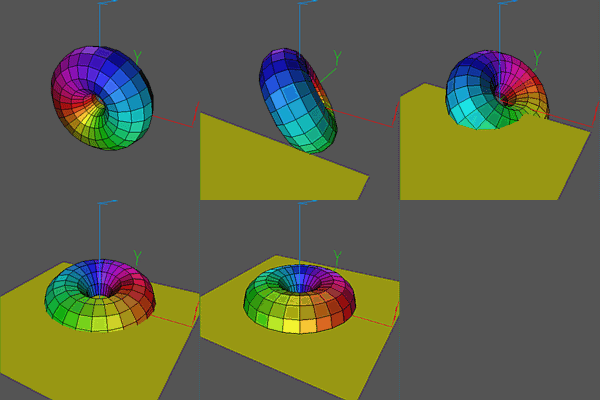
In this movie, after loading and positioning a torus, a square is
loaded, colored, and positioned off screen. Next, actions are
specified for both the torus and the square using the
Script command. The final Script action
command causes both scripts to be rung concurrently.
The Torus.oogl file was created
using the file Torus.cs in CenterStage.
The xyz.vect
square.quad
files are standard ones that come with Geomview.
   Load Torus.oogl
   Load xyz.vect

   Transform {Scale .25} Torus.oogl
   Transform {YZ -$pi/3}
   Transform {XY -$pi/6}
   Transform {YZ $pi/2} Torus.oogl

   Load square.quad
   Color square.quad {1 1 0}
   Transform {Translate {0 -2.5 0}} square.quad

   Script for Torus {
     Sequence {Product {XZ $pi} {YZ $pi/2}} 16
   }

   Script for square.quad {
     Sequence {Translate {0 2.5 0}} 16
   }

   Script action
   Pasue 5
   Delete World
   Pause 5
![[Prev]](../../../img/prev.gif)
![[Up]](../../../img/up.gif)
![[Next]](../../../img/next.gif)
![[HOME]](../../../img/home.gif)